

Key facts at a glance
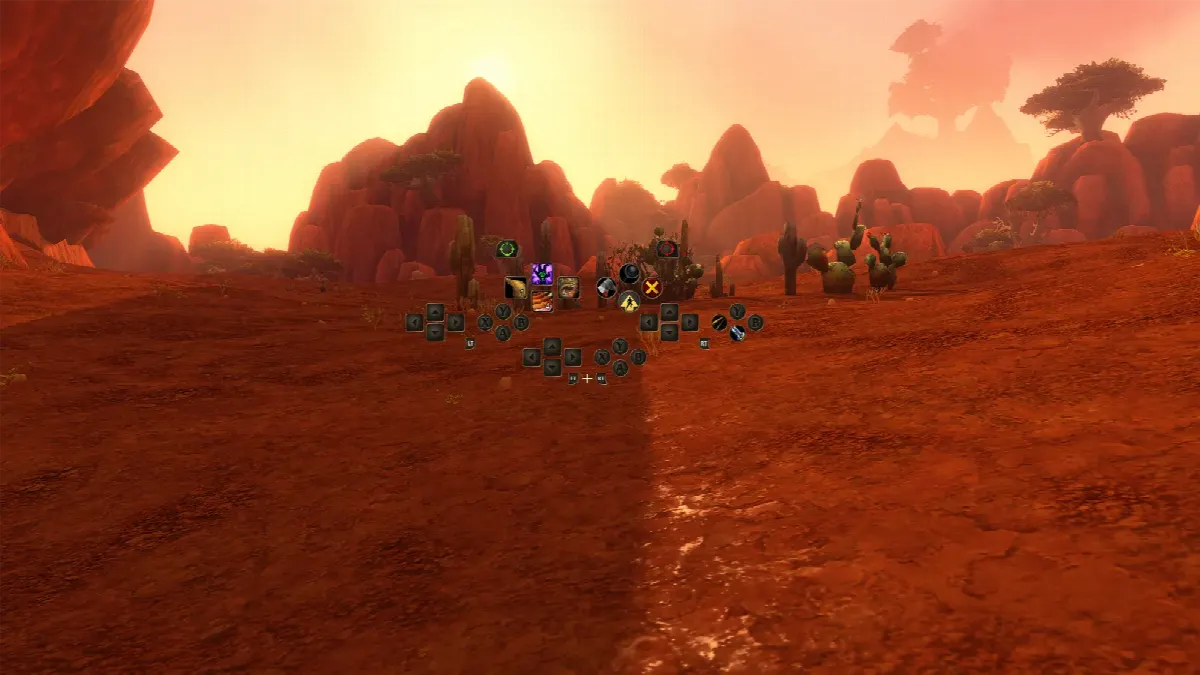
- On November 3, 2026, one day before launch, Blizzard explained how to play World of Warcraft: Forever with a gamepad.
- All XInput-compatible controllers are supported, with Xbox and PlayStation button icons. You switch in Game Menu → Options → Gameplay → Gamepad.
- Three action bar sets with four bars each give you 84 customizable spell and ability slots.
- Gamepad support is a functional beta, and a keyboard is still needed for typing in chat.
Setup and basic controls
To switch from keyboard and mouse, press Escape to open the Game Menu, select Options, then choose Gamepad under Gameplay. The Gamepad settings let you adjust Camera, HUD Modifier, Frame Focus Style, Action Bars, Targeting and Raid Targeting Options. On controllers with supported lighting, the light turns red for a Horde character and blue for an Alliance character.
Blizzard describes the controls with Xbox button names: the left stick moves your character and the right stick moves the camera. LB selects a friendly target and RB a hostile one. X is Interact, A is Jump, B is Back and Y is Inspect, and these buttons also hold spells. The Menu button opens the Main Menu and the View button changes the focus frame. Hold LB + RB and move the right stick to zoom the camera.
Action bars: 84 slots without menus
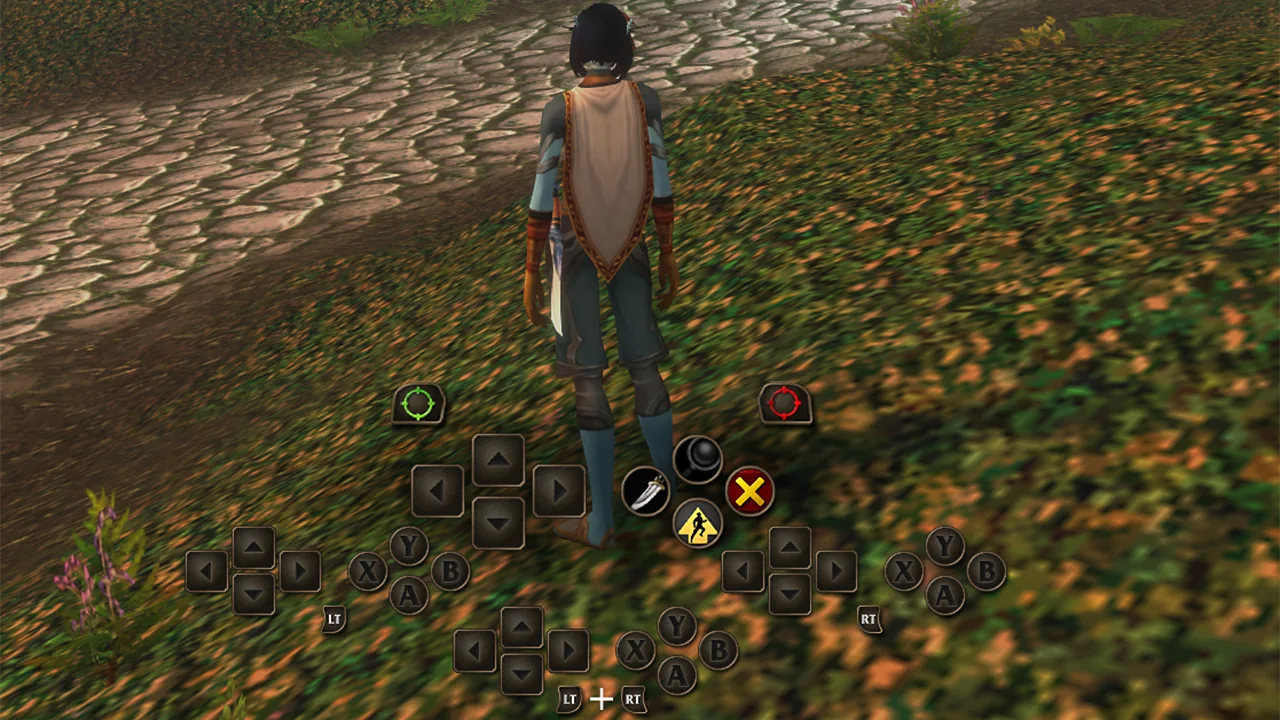
The gamepad HUD shows four action bars that share one button layout. Hold LT, RT or both triggers to switch bars, and release them to return to the default bar. Blizzard's example is a Mage with four spells on the same direction: Up for Polymorph (Sheep), LT + Up for Fireball, RT + Up for Frostbolt and LT + RT + Up for Blizzard. These are only examples, and every slot is yours to assign.
On top of that there are three action bar sets: hold LB + RB and press Left or Right on the D-pad to switch. Each set has four bars with 28 slots combined, for 84 slots across all three sets, so you can split combat and utility abilities. Every class spell is on our Spells page.
Shortcuts, legend and what is still missing
Holding LB + RB gives quick access to the HUD: B opens the Backpack, Up the Quest Tracker, Down the Chat and Y lets you manage buffs. The same features are also in the main radial menu. A gamepad legend in the upper-left corner shows your controls and expands with more options for certain actions. Most screens have gamepad footers listing the available actions, but not all of them yet.
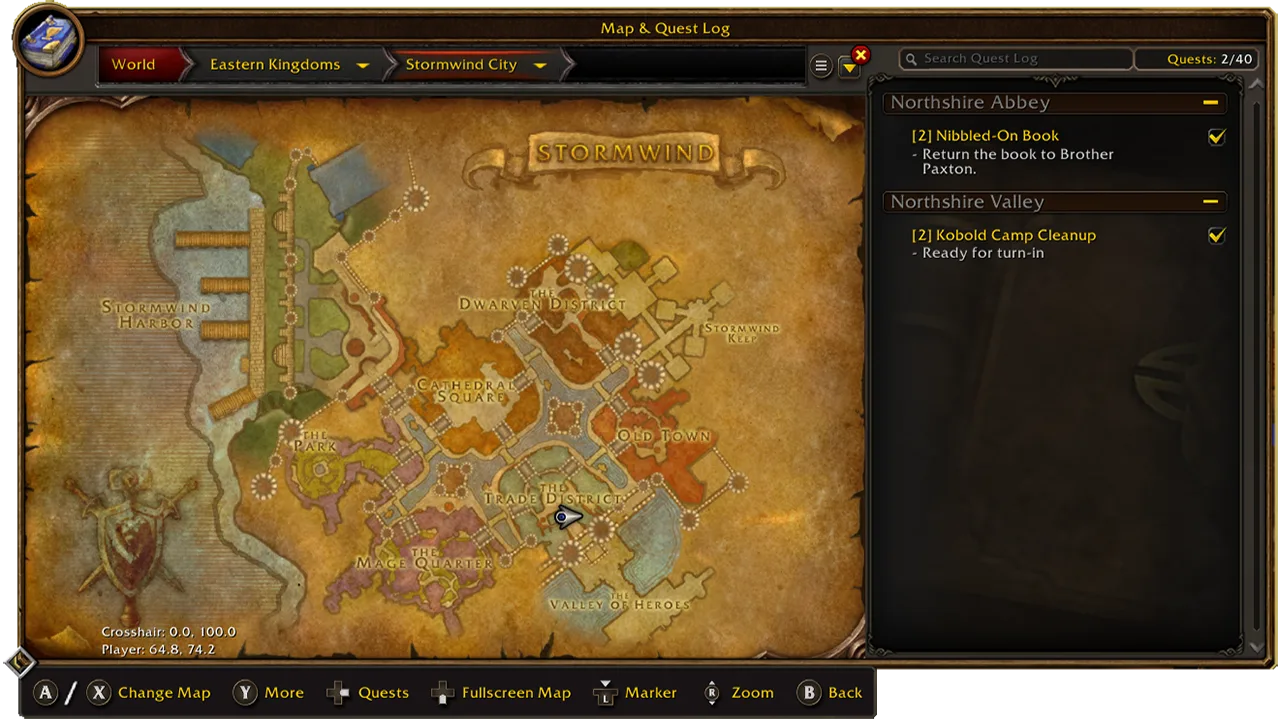
Blizzard calls the support a functional beta: bags and menus are still being updated for gamepads, and a keyboard-free experience is the longer-term goal. Until then, keep a keyboard within reach, for example for chat. For everything else that is new, see our story on the damage meter, gamepad and Legacy Points and the New in Forever page. WoW: Forever launches November 4 at 3:00 p.m. PST.
FAQ
Which controllers does WoW: Forever support?
All XInput-compatible controllers, with Xbox and PlayStation button icons.
How do I switch to gamepad controls?
Press Escape to open the Game Menu, select Options, then choose Gamepad under Gameplay.
How many spells fit on the gamepad?
Three action bar sets with 28 slots each give you 84 slots for spells and abilities.
Do I still need a keyboard?
Yes, for now, for example to type in chat. Blizzard names a keyboard-free experience as its longer-term aim.
Sources: Blizzard: Explore WoW: Forever with a Gamepad (November 3, 2026). As of November 3, 2026.

Comments
Loading comments …
Join the discussion with a free account
Anyone with a RaidDex account can comment – one click with Discord, Steam or Battle.net is enough. Your progress is also backed up and the same on all your devices.
Already have an account? Sign in
One click with Discord, Steam or Battle.net is enough – no new password needed. Whatever you have already saved in this browser moves into your account when you sign in. Only you can see your profile.